
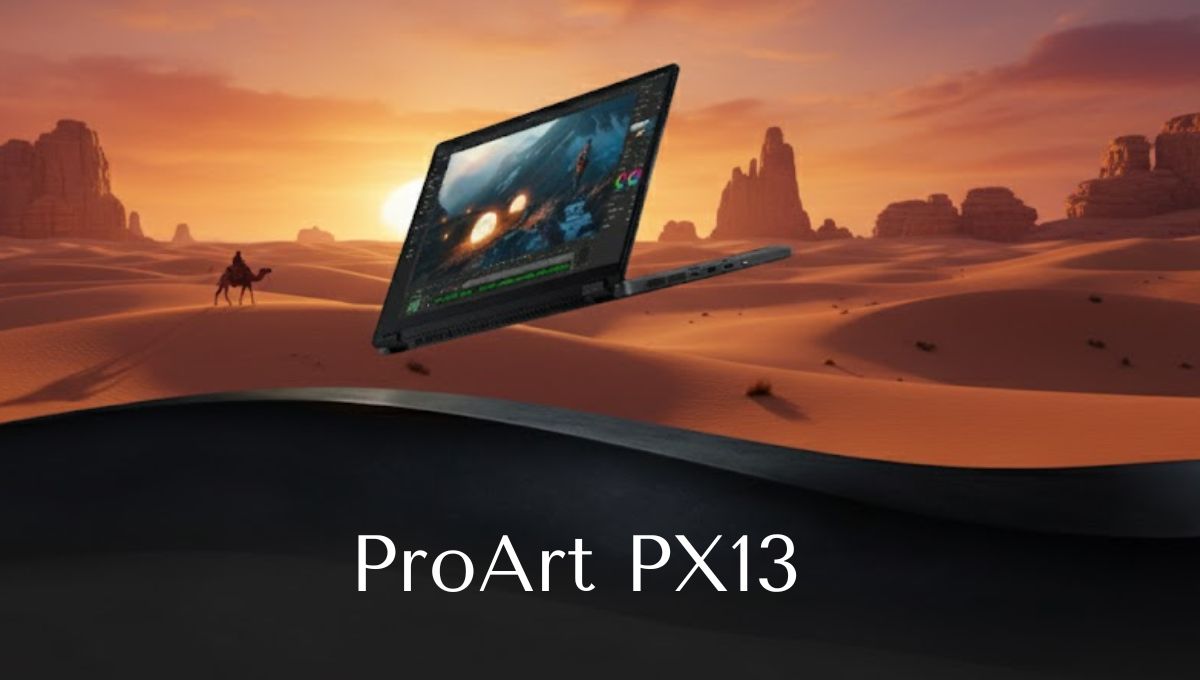
The ProArt PX13 is a premium laptop designed specifically for creative professionals who need strong performance in a compact and portable body. ASUS has built this device with creators in mind, focusing on display accuracy, processing power, and flexibility. Whether you are a graphic designer, video editor, animator, or digital artist, the ProArt PX13 aims to deliver professional-level performance without the bulk of a traditional workstation laptop.
In this detailed article, we explore every important aspect of the ProArt PX13, including its design, display quality, performance, battery life, features, and real-world usability. This guide will help you decide whether the ProArt PX13 is the right laptop for your creative needs.
Overview of the ProArt PX13
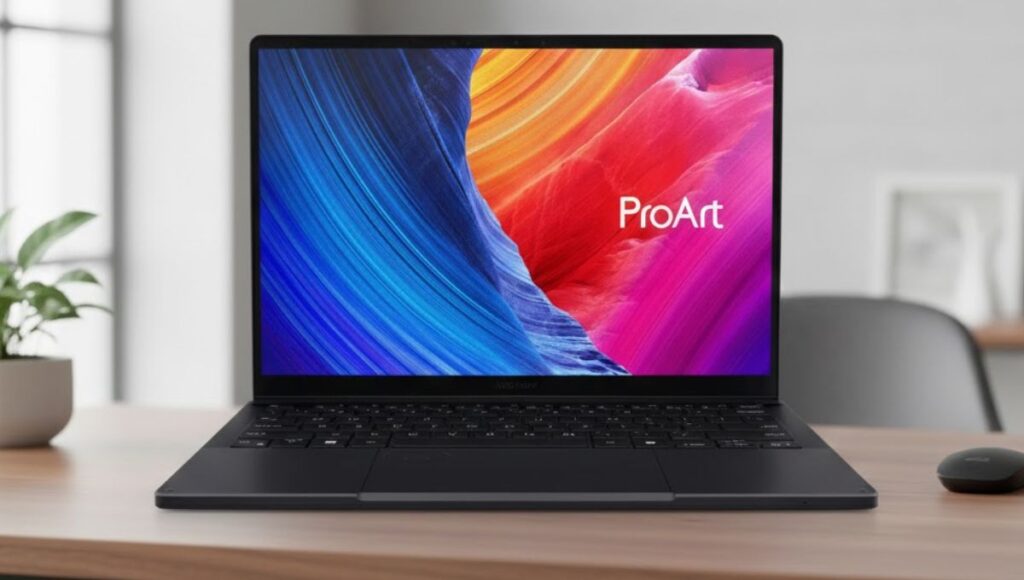
The ProArt PX13 sits in a unique position in the creator laptop segment. It is compact like an ultrabook but powerful like a workstation. ASUS has designed it for users who want high-end performance in a smaller, travel-friendly form factor.
This laptop focuses on:
- Creative accuracy
- Strong processing power
- Touch and stylus support
- Portability and durability
The ProArt PX13 is especially appealing to creators who work on the move and need a reliable machine that can handle demanding software.
Design and Build Quality
The ProArt PX13 features a clean, professional design that feels premium from the moment you pick it up. The chassis is slim, lightweight, and finished in a subtle dark tone that reflects a modern and professional aesthetic.
Build and Durability
Despite its compact size, the ProArt PX13 feels solid and well-built. It is designed to handle daily wear and travel, making it suitable for creators who frequently move between workspaces. The hinge is sturdy, and the overall construction gives confidence that the laptop can withstand regular use.
The compact 13-inch size makes it easy to carry in a backpack or laptop bag without adding unnecessary weight.
Read more:- Why the Yuneec H520E Is Still a Trusted Choice for Commercial Drone Work?
Display Quality: Built for Creative Accuracy
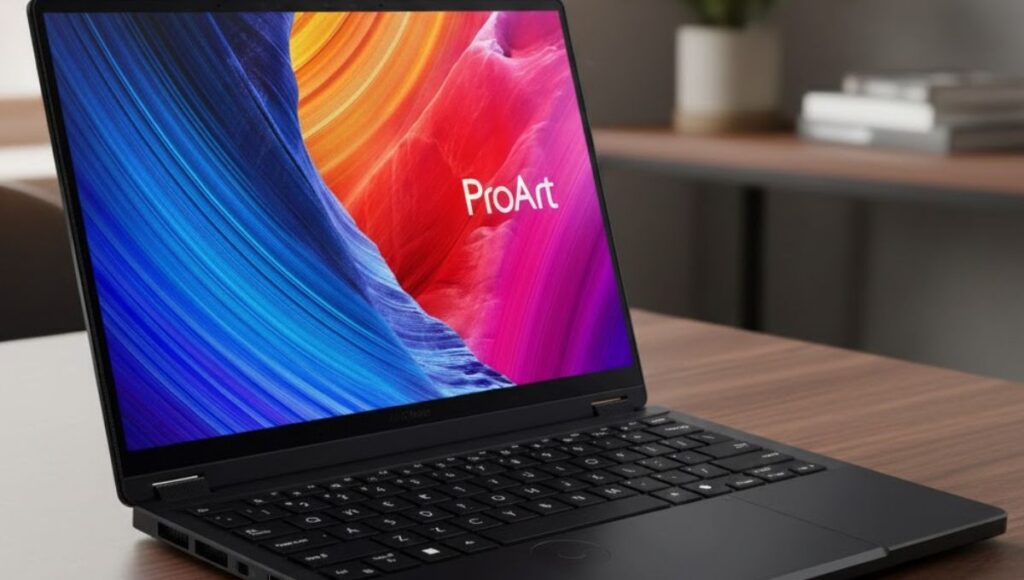
The display is one of the strongest features of the ProArt PX13. It comes with a 13.3-inch OLED touchscreen that offers high resolution and excellent color reproduction.
Display Highlights
- High-resolution OLED panel
- Touchscreen support
- Excellent contrast and deep blacks
- Wide color coverage for creative work
- Smooth visuals for editing and previewing content
For creators working with photos, videos, or illustrations, color accuracy is critical. The ProArt PX13 delivers sharp visuals and vibrant colors that help ensure your work looks consistent across different platforms.
The touch and stylus support also make the ProArt PX13 ideal for sketching, drawing, and precise editing tasks.
Performance and Processing Power
The ProArt PX13 is built to handle professional creative workloads. It is powered by advanced processors designed for multitasking and heavy applications.
CPU and GPU Performance
The laptop offers strong CPU performance that handles tasks like:
- Video editing
- Photo processing
- 3D modeling
- Multitasking with creative software
In addition, dedicated graphics support allows the ProArt PX13 to perform well in GPU-accelerated tasks such as rendering, effects processing, and design work.
This combination makes the ProArt PX13 suitable for both everyday creative tasks and more demanding professional projects.
Memory and Storage
The ProArt PX13 comes with fast memory and solid-state storage, which play a big role in its smooth performance.
Key Benefits
- Fast system startup
- Quick file access
- Smooth multitasking
- Reduced loading times in creative software
Whether you are opening large design files or working on high-resolution videos, the ProArt PX13 handles data efficiently and reliably.
Cooling and Thermal Management
A compact laptop with powerful hardware needs an efficient cooling system. The ProArt PX13 includes a smart thermal design that helps maintain performance during extended workloads.
The cooling system works quietly during light tasks and ramps up when needed during heavy processing. This helps prevent overheating and ensures consistent performance without excessive noise.
Keyboard, Touchpad, and Input Experience
The ProArt PX13 offers a comfortable typing experience suitable for long work sessions.
Keyboard Experience
- Well-spaced keys
- Comfortable key travel
- Suitable for writing, coding, and editing
The touchpad is responsive and accurate, making navigation smooth and reliable. Combined with touchscreen and stylus support, the laptop offers multiple input options depending on your workflow.
Connectivity and Ports
Despite its compact size, the ProArt PX13 provides a good range of ports for professional use.
Connectivity Options
- USB Type-C ports for fast data transfer and charging
- USB Type-A port for accessories
- HDMI port for external displays
- Memory card reader for easy file transfer
Wireless connectivity is also strong, allowing fast and stable internet connections for cloud-based workflows and online collaboration.
Audio and Webcam Performance
The ProArt PX13 includes clear speakers suitable for casual media consumption and video calls. While it is not a replacement for external studio speakers, it provides good clarity for meetings and content previews.
The webcam supports secure login features and delivers decent image quality for online meetings, classes, or client calls.
Battery Life and Daily Use
Battery life on the ProArt PX13 depends on how it is used. For light tasks such as browsing, writing, or watching videos, the laptop can last several hours. However, during heavy creative work such as video editing or rendering, battery life may be reduced faster.
For creators who work on the go, it is recommended to manage power settings or carry a charger for longer sessions.
Real-World Usage Experience
In real-world use, the ProArt PX13 feels fast, responsive, and reliable. It handles creative applications smoothly and offers a comfortable working experience, even during extended sessions.
The compact size makes it easy to use in different environments, from studios to cafés to client locations. For creators who value mobility without sacrificing performance, the ProArt PX13 fits well into daily workflows.
Who Should Buy the ProArt PX13?
The ProArt PX13 is ideal for:
- Graphic designers
- Video editors
- Digital artists
- Content creators
- Creative students
- Professionals who travel frequently
If you need a portable laptop that can handle serious creative tasks, the ProArt PX13 is a strong option.

Pros and Cons
Pros
- Excellent OLED display
- Strong performance for creative tasks
- Compact and lightweight design
- Touch and stylus support
- Premium build quality
Cons
- Battery life can drop during heavy workloads
- A smaller screen may feel limiting for some users
- Premium pricing compared to standard laptops
The ProArt PX13 is a powerful and compact laptop built for creators who need performance, accuracy, and portability. It delivers excellent display quality, reliable performance, and flexible input options, making it a strong choice for creative professionals and students alike.
While battery life under heavy use may require planning, the overall experience offered by the ProArt PX13 makes it a valuable tool for modern creative workflows. If you are looking for a premium creator-focused laptop in a small form factor, the ProArt PX13 deserves serious consideration.