
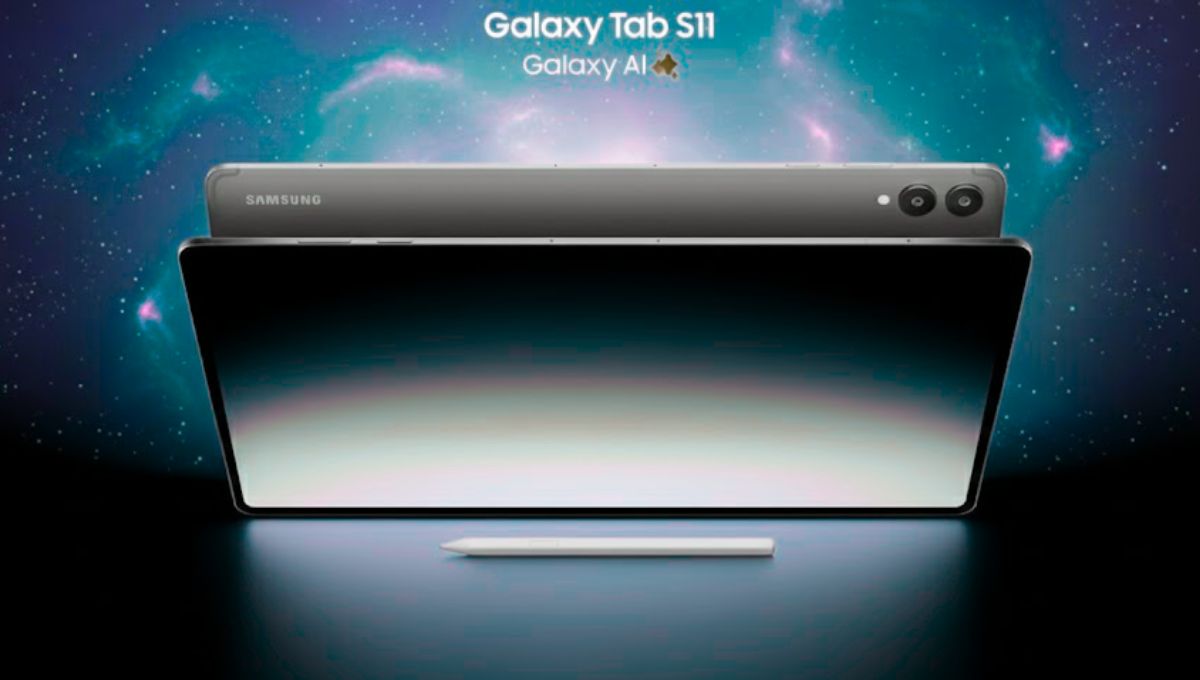
The Galaxy Tab S11 represents Samsung’s continued commitment to building tablets that adapt to modern lifestyles. Instead of focusing solely on raw specifications, this device emphasizes usability, comfort, and long-term reliability. It is designed for users who want a single device capable of handling work tasks during the day and entertainment in the evening.
Elegant Design with Practical Appeal
The first impression of the Galaxy Tab S11 is its refined build quality. The tablet feels solid without being heavy, making it comfortable for extended handheld use. Its clean design ensures it fits seamlessly into professional environments, classrooms, or casual home setups.
The slim profile and balanced weight distribution enhance portability, allowing users to carry it effortlessly throughout the day.
Display Quality That Enhances Productivity
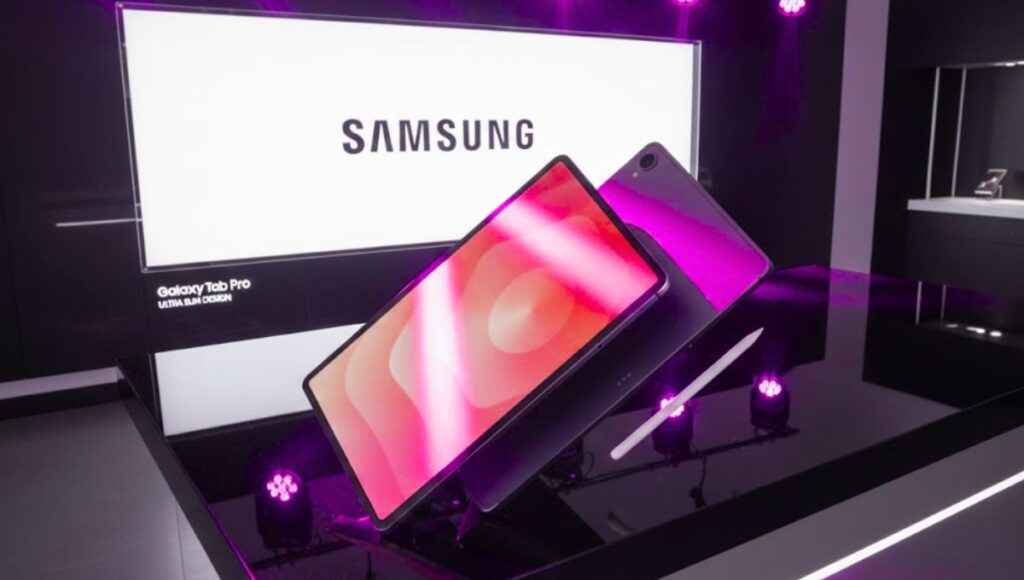
The Galaxy Tab S11’s display is designed to be both visually impressive and practical. Text appears crisp, reducing eye strain during long reading or writing sessions. Colors remain accurate, making it suitable for content creators who require consistent visual output.
The large screen also improves productivity by allowing more content to be displayed at once, which is especially useful for multitasking and document review.
Read more:- ROG Strix G16 G615LR-S5190WS Review: Can This Laptop Replace a Gaming PC?
Performance Tailored for Daily Demands
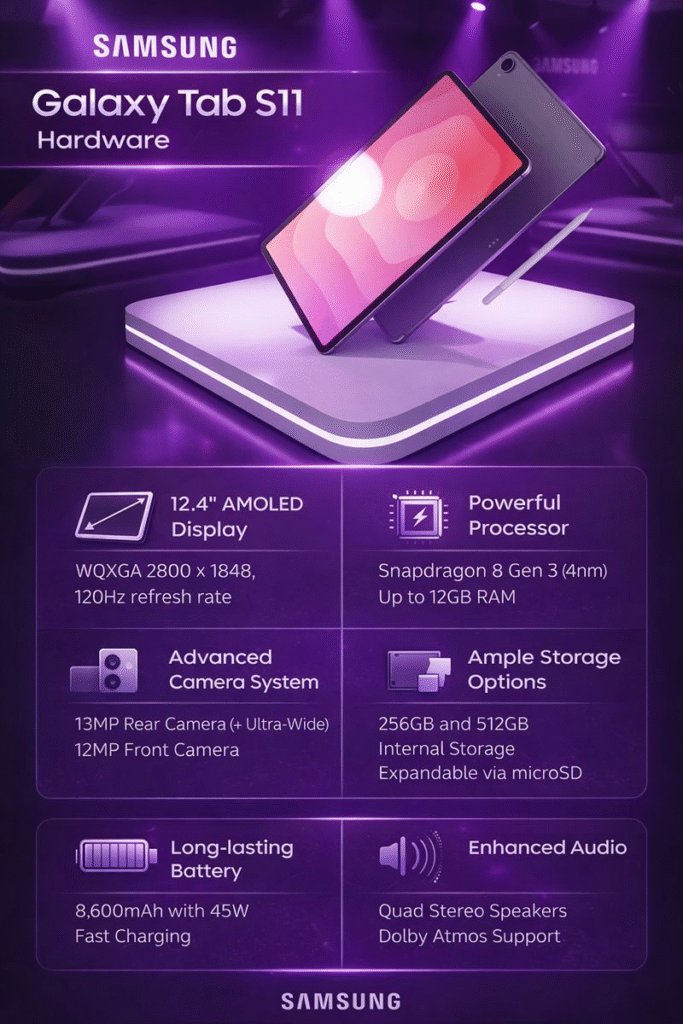
Performance is one of the Galaxy Tab S11’s strongest aspects. The tablet feels fast and responsive across a wide range of tasks, from web browsing and video conferencing to light content creation.
Apps load quickly, animations remain smooth, and the overall experience feels stable. This consistency builds trust, especially for users who rely on the tablet for professional or academic purposes.
Software Optimization and Multitasking
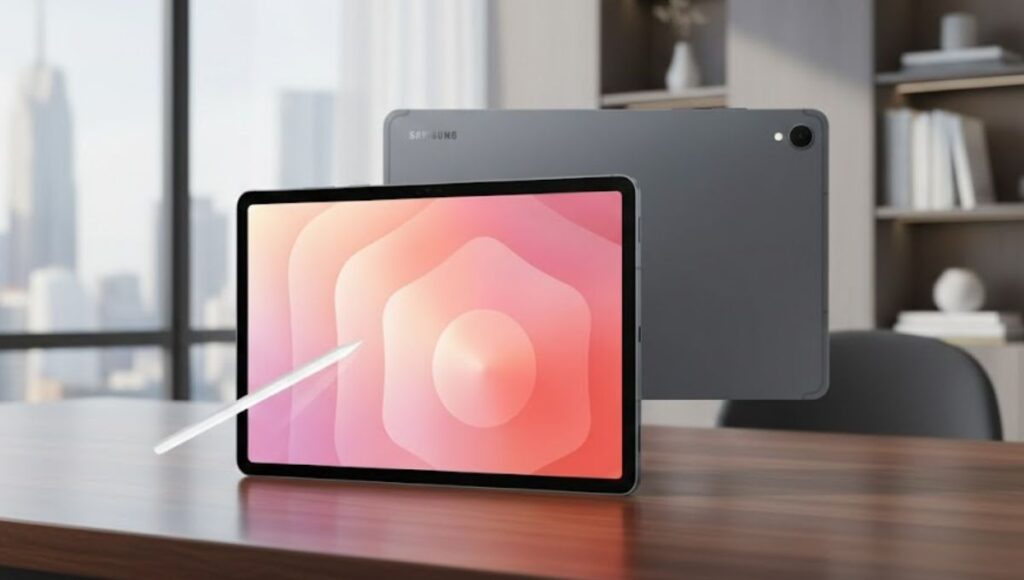
Samsung’s software enhancements significantly elevate the Galaxy Tab S11’s usability. The interface is optimized for larger screens, ensuring that navigation feels natural rather than stretched.
Features like split-screen multitasking and floating windows make it easy to work on multiple tasks simultaneously. These tools are especially valuable for users who need to manage emails, documents, and online meetings at the same time.
Writing, Drawing, and Note-Taking Experience
The Galaxy Tab S11 offers a smooth and accurate writing experience when paired with a stylus. Notes appear instantly, handwriting feels natural, and drawing lines remains precise.
This makes the tablet an excellent choice for students, designers, and professionals who frequently annotate documents or brainstorm ideas digitally.
Battery Reliability for Long Workdays
Battery life is a critical factor for any tablet, and the Galaxy Tab S11 performs reliably in this area. It supports extended usage without frequent charging, making it dependable for long workdays or travel.
The efficient power management ensures that performance remains consistent even as the battery level drops.
Audio Performance and Video Calls
The Galaxy Tab S11 delivers clear audio output, enhancing both entertainment and communication. Video calls sound natural, and media playback benefits from balanced sound separation.
For users who attend frequent virtual meetings or enjoy streaming content, the audio quality adds noticeable value.
Long-Term Value and Reliability
One of the Galaxy Tab S11’s key strengths is its long-term usability. The combination of solid hardware, optimized software, and practical features ensures that it remains relevant for years.
This makes it a smart investment for users who want a tablet that continues to perform well beyond the initial purchase period.
The Galaxy Tab S11 is a thoughtfully designed tablet that prioritizes real-world usability. It offers a dependable balance of performance, display quality, and productivity features without unnecessary complexity. For users seeking a premium Android tablet that feels intuitive and reliable, the Galaxy Tab S11 delivers a confident and well-rounded experience.
FAQs
Is the Galaxy Tab S11 suitable for professional work?
Yes, it supports multitasking, document editing, and video conferencing efficiently.
How does the Galaxy Tab S11 perform for multitasking?
It handles split-screen and multi-window tasks smoothly, making it ideal for productivity.
Is the Galaxy Tab S11 good for entertainment?
The large display and clear audio make it excellent for streaming and media consumption.