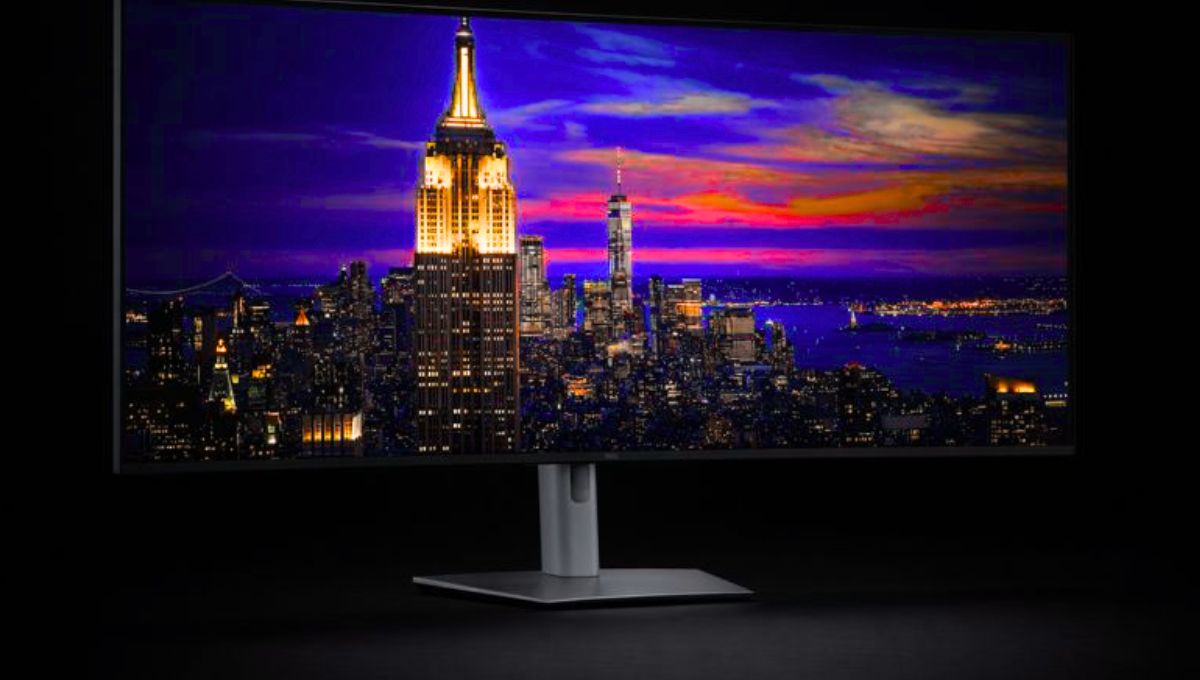
In a world where multitasking and creative workflows demand more screen space and connectivity, the Dell UltraSharp 52 Thunderbolt Hub Monitor – U5226KW steps into the spotlight. This ultrapremium display redefines what a productivity monitor can be. Designed for professionals, creators, engineers, and anyone who struggles with cramped displays, this 52-inch curved screen brings unparalleled clarity, performance, and convenience together in one seamless package.
Immersive Display and Design
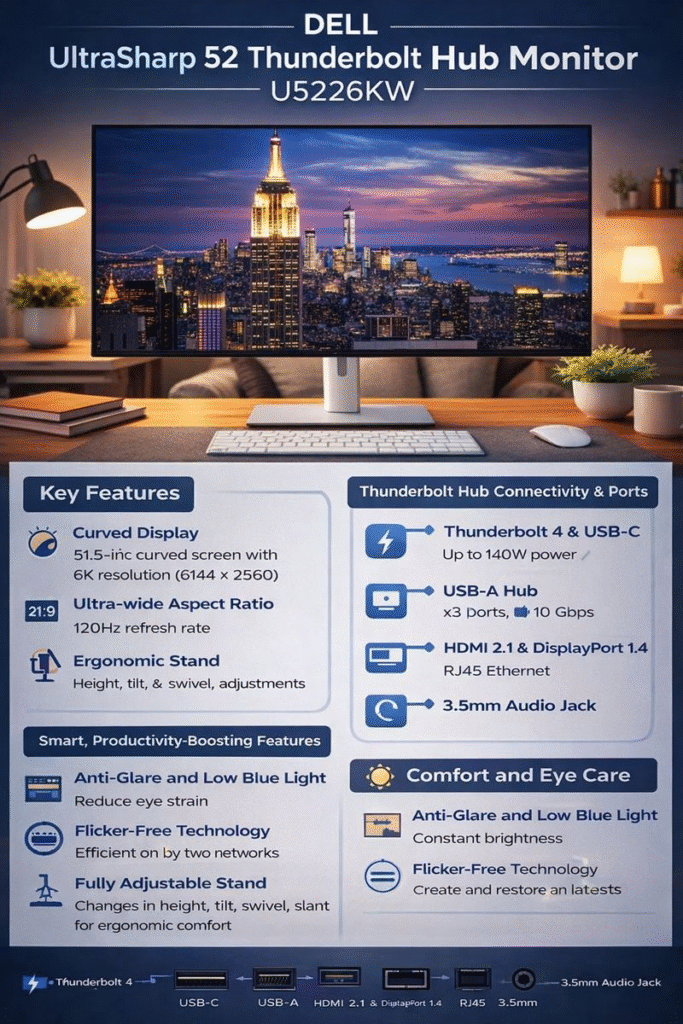
The Dell UltraSharp 52 Thunderbolt Hub Monitor – U5226KW features a striking 51.5-inch (measured diagonally) 21:9 ultrawide display with a high-resolution 6K screen (6144 × 2560). This expansive display delivers a panoramic view of your content, allowing you to open multiple windows side-by-side without feeling restricted. The monitor uses advanced IPS Black technology, offering enhanced contrast and deeper blacks compared to traditional IPS panels.
The monitor’s 4200R curvature gently wraps your field of view, enhancing immersion during extended work sessions and reducing eye movement across the screen. Whether you’re analyzing a large dataset, editing video, or writing code, this expansive field of view supports your workflow without distraction.
Advanced Connectivity and Hub Features
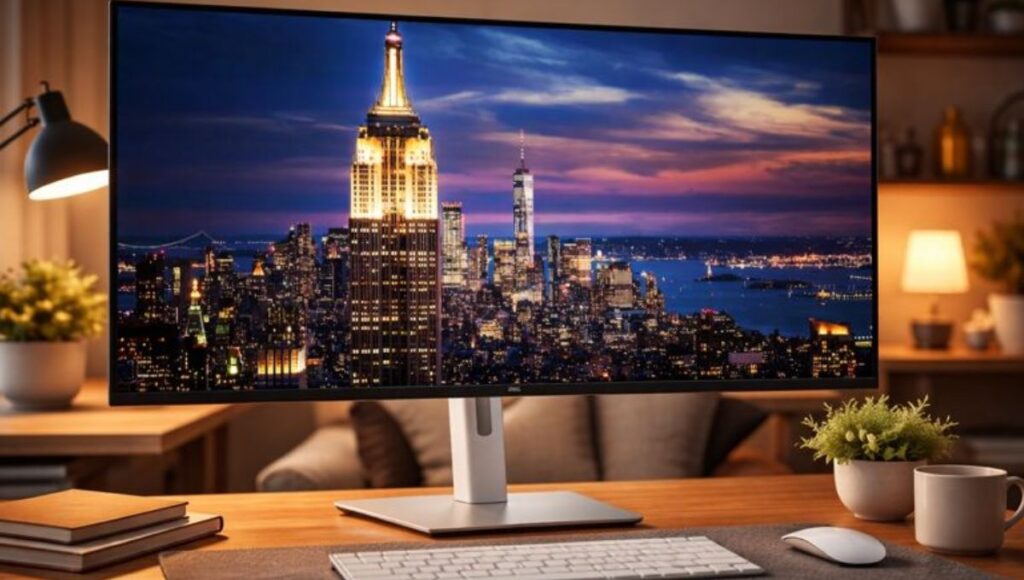
One of the standout features of the Dell UltraSharp 52 Thunderbolt Hub Monitor – U5226KW is its role as a full Thunderbolt hub. Instead of needing multiple docks or adapters, this monitor integrates an extensive array of ports right into its frame:
- Thunderbolt 4 upstream with up to 140W power delivery
- Three USB-C upstream ports
- Four USB-A downstream ports
- Two HDMI 2.1 ports
- Two DisplayPort 1.4 ports
- 2.5Gbps Ethernet connectivity
This comprehensive set of connections transforms the monitor into a central hub for laptops and desktops alike, enabling you to connect peripherals, network cables, and multiple devices without clutter.
Productivity Enhancements and Workspace Management
The Dell UltraSharp 52 Thunderbolt Hub Monitor – U5226KW goes beyond being just a display. It includes built-in multitasking tools like Picture-by-Picture (PbP) and Picture-in-Picture (PiP), allowing you to view multiple input sources at once. That means you can simultaneously monitor different machines or applications without switching screens.
Additionally, the built-in KVM switch lets you control up to four connected PCs using a single keyboard and mouse. This feature is a game-changer for users juggling multiple systems daily, saving desk space and simplifying workflows.
Comfort, Color, and Performance
Visual comfort and accuracy are key to any long work session. The Dell UltraSharp 52 Thunderbolt Hub Monitor – U5226KW supports over 1.07 billion colors across color gamuts like 99% DCI-P3, 100% sRGB, and 99% Display P3, making it ideal for content creation and media review.
The monitor also includes features like low blue light, flicker-free technology, and an ambient light sensor, which adjust brightness dynamically and help reduce eye strain. It has built-in dual speakers too, delivering reliable audio without needing external peripherals.
Read more:- OnePlus 15R and OnePlus Pad Go 2 Explained: Features, Performance, and Value in One Smart Ecosystem
Who Is This Monitor For?
The Dell UltraSharp 52 Thunderbolt Hub Monitor – U5226KW isn’t aimed at casual users. Its design and capabilities serve professionals who demand unfettered access to screen real estate and versatile connectivity. If your daily work involves data visualization, technical design, video editing, software development, or running multiple systems simultaneously, this display transforms how you work.
FAQs
What makes the Dell UltraSharp 52 Thunderbolt Hub Monitor – U5226KW different from regular monitors?
It combines a massive 52-inch 6K curved display with a built-in Thunderbolt hub and extensive connectivity. This means fewer external docks and cleaner, more efficient workspaces.
Can the monitor display content from more than one device at the same time?
Yes. With Picture-by-Picture (PbP) and Picture-in-Picture (PiP) modes, you can view multiple sources simultaneously.
Does this monitor support laptop charging via Thunderbolt?
Yes. The Thunderbolt 4 port supports up to 140W power delivery, allowing you to charge compatible laptops while connected.