
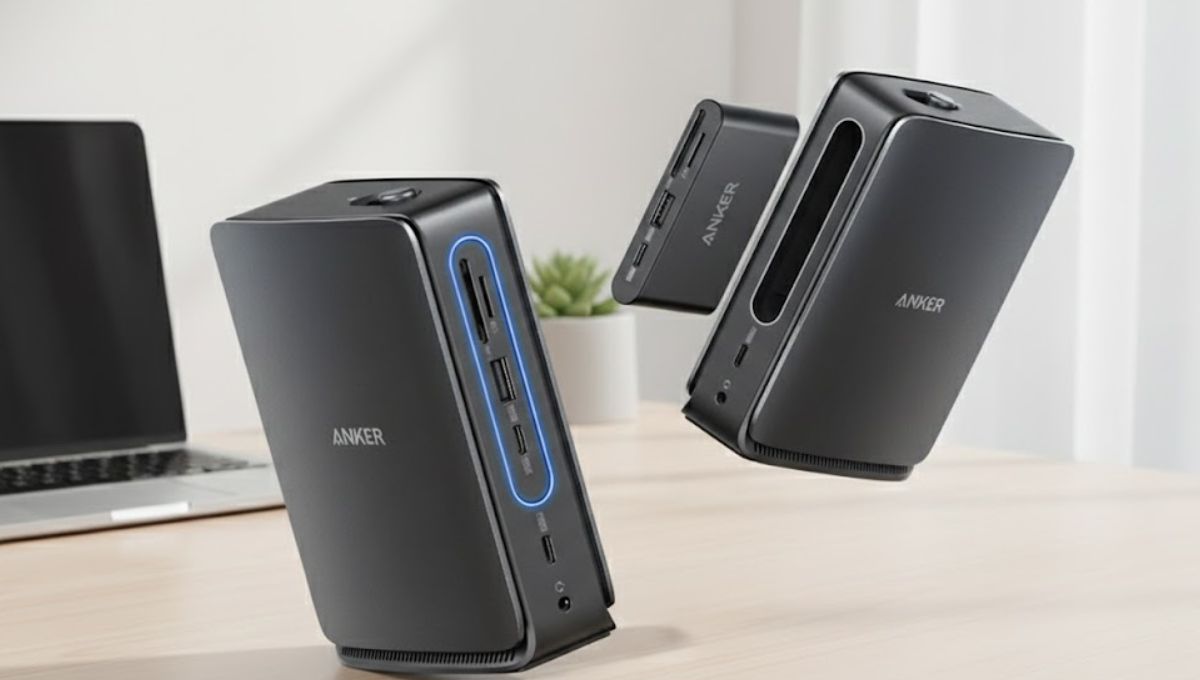
Modern laptops are powerful, portable, and efficient—but they often sacrifice connectivity. As manufacturers prioritize slim designs, users are left juggling adapters and cables. The Anker Nano Docking Station addresses this challenge by acting as a centralized connection hub that restores functionality without compromising portability.
Rather than being a bulky desktop accessory, this docking station is designed for users who demand flexibility, reliability, and simplicity in one compact device.
Compact Engineering with Purpose

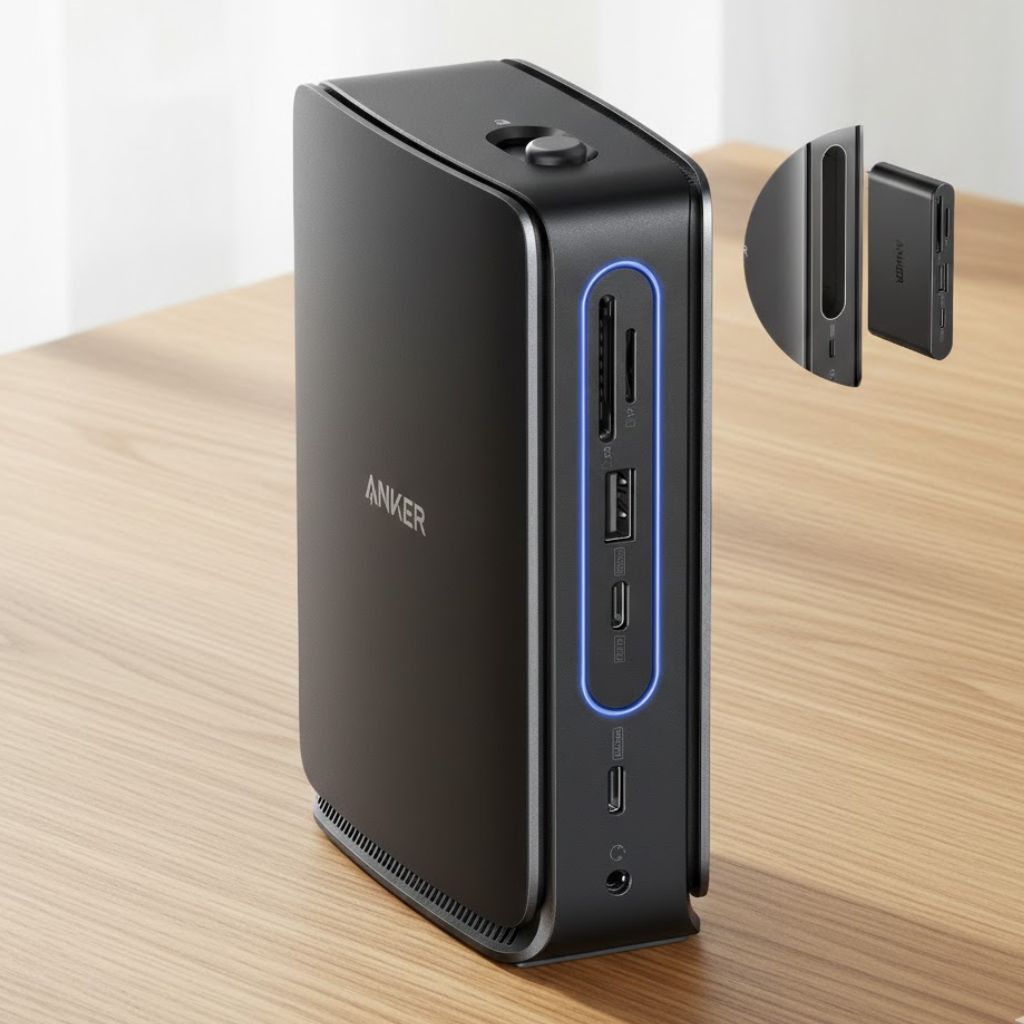
The Anker Nano Docking Station stands out because of how intentionally it is designed. Every aspect of its form factor serves a purpose. It occupies minimal desk space, yet provides the essential ports most users need daily.
The exterior feels solid and refined, reinforcing confidence in long-term durability. Despite its small size, the dock handles extended workloads without overheating or performance degradation, which is a key consideration for professionals who work long hours.
Connectivity That Matches Real-World Needs
Instead of overwhelming users with rarely used ports, the Anker Nano Docking Station focuses on practical connectivity. It allows laptops to instantly connect to monitors, wired internet, storage devices, and input peripherals through a single hub.
This centralized approach reduces setup time and enhances efficiency. Whether you are returning to your desk after a meeting or setting up a temporary workstation, the dock ensures everything works immediately.
Seamless Display Expansion
For many users, adding an external display is the primary reason to buy a docking station. The Anker Nano Docking Station supports display expansion in a way that feels effortless.
Text remains sharp, motion is smooth, and the connection stays stable even during long sessions. This makes it suitable for office work, creative tasks, and even light multimedia use. The experience feels polished, reflecting Anker’s understanding of everyday professional demands.
Power Delivery Simplified
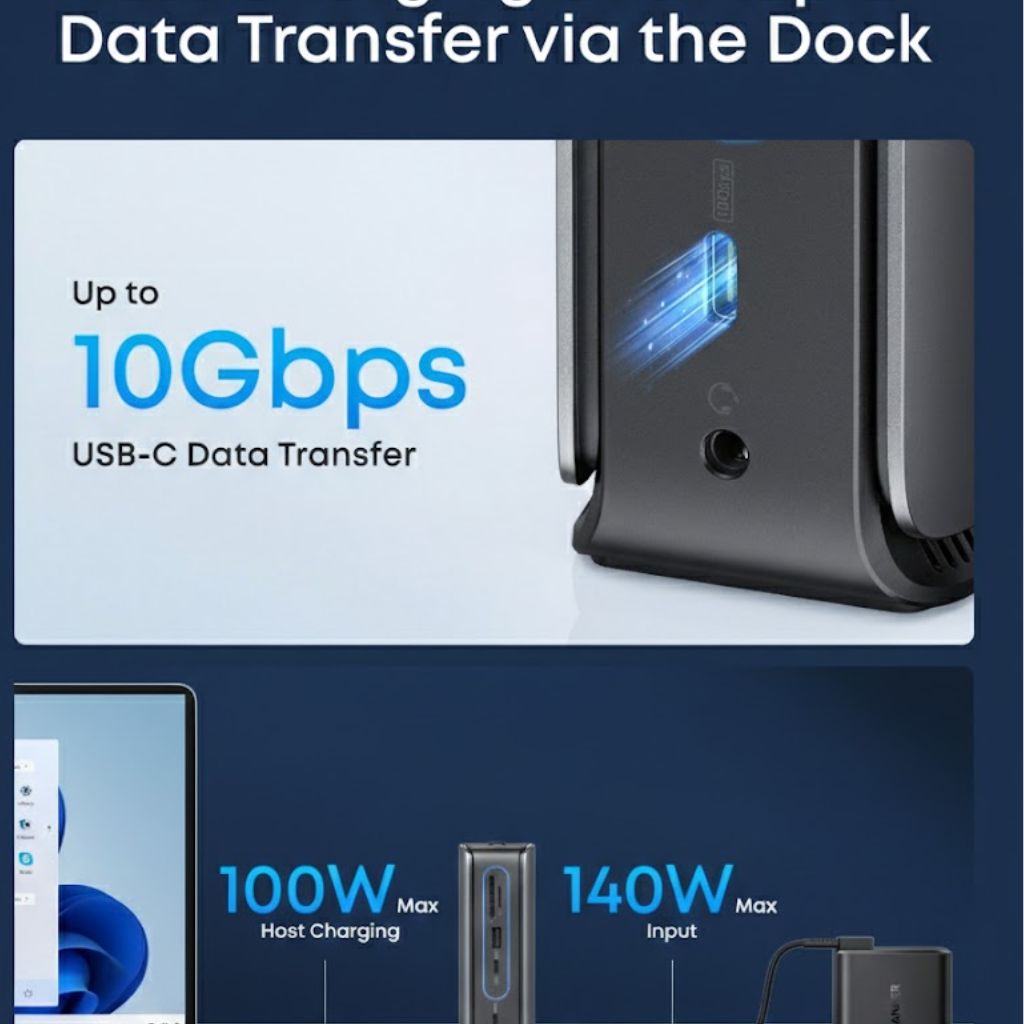
One of the most appreciated features of the Anker Nano Docking Station is its ability to deliver power while handling data and displaying output. With a single cable connection, users can power their laptop and access all peripherals at once.
This not only improves desk organization but also reduces wear on laptop ports caused by frequent cable changes. Over time, this convenience translates into better device longevity and a smoother daily routine.
Performance You Can Rely On
In real-world use, the Anker Nano Docking Station proves to be stable and consistent. Network connections through Ethernet remain reliable, data transfers are quick, and peripherals respond without lag.
The absence of complicated configuration steps further enhances the experience. Users can focus on their work rather than troubleshooting connectivity issues, which is exactly what a docking station should enable.
Ideal Use Cases
The Anker Nano Docking Station is particularly well-suited for:
- Professionals working from home or shared offices
- Students using lightweight laptops for study and research
- Remote workers who need a portable desk solution
- Users who value simplicity and reliability
It is not designed to replace high-end workstation docks, but it excels as an everyday productivity companion.
Brand Credibility and User Trust
Anker’s reputation plays a significant role in the appeal of this docking station. The company is widely recognized for dependable accessories, and the Nano Docking Station aligns with that image.
Its consistent performance, thoughtful design, and practical feature set build trust over time. Users can rely on it as a long-term part of their workspace rather than a temporary solution.

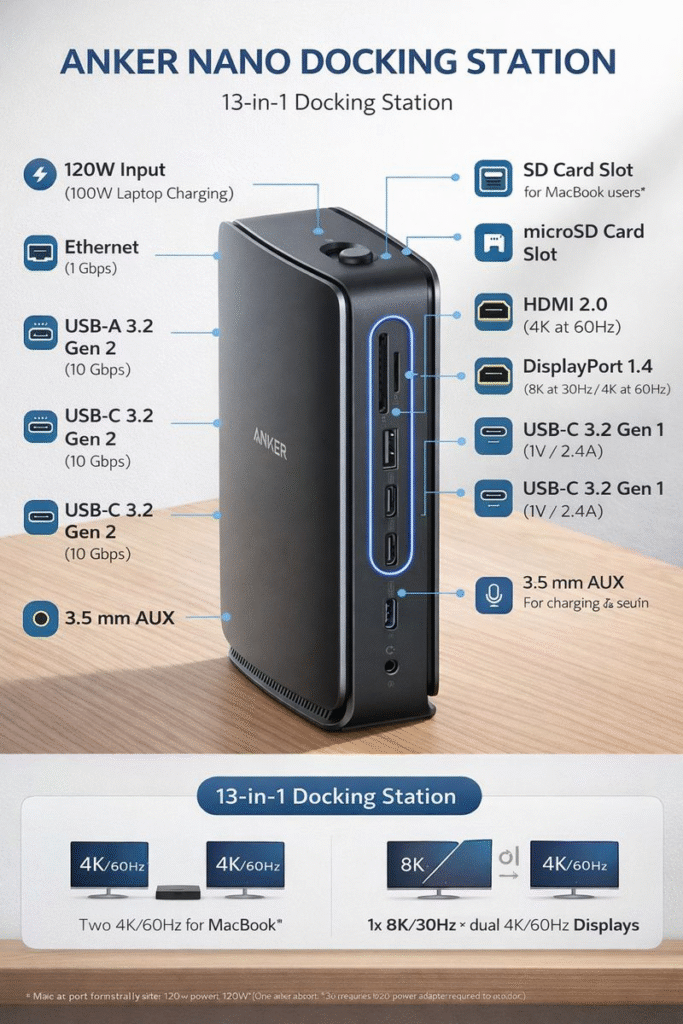
The Anker Nano Docking Station delivers exactly what modern laptop users need: expanded connectivity, reliable power delivery, and a clean, compact design. It avoids unnecessary complexity while excelling in everyday usability.
For anyone looking to enhance their laptop setup without adding clutter, this docking station offers a balanced and trustworthy solution that fits seamlessly into modern work environments.
FAQs
What laptops work best with the Anker Nano Docking Station?
Laptops with USB-C ports that support data, display, and charging functionality work best
Can I use the docking station without external power?
Some functions may work, but full performance and charging require an external power connection.
Is it suitable for office and home setups?
Yes, it is designed to work equally well in both environments.